
Blog posts tagged "snapcraft.io"

In the past decade, video has become the most ubiquitous method of communication on the Web. Video clips are used for pretty much anything, from short software tutorials to hours-long live online gaming streaming. In some cases, the use of “moving pictures” might not be the best communication medium, but there is no denying the

Software discovery and installation broadly comes in two flavors – via graphical user interface or on the command line. If you’re using a Linux distribution with a friendly software frontend offering integrated snap support, e.g. KDE Discover or GNOME Software, you can enjoy the experience without having to resort to using a terminal wind

Quite often, getting started with new technologies is a chicken and an egg problem. You want to fall back and rely upon work done by others, so you can learn from it, and yet, as a technological pioneer, you will be facing first-of-kind issues that won’t have readily available answers. We are fully aware of

The end of 2019 brings about the latest ROS 2 release – Eloquent Elusor. Despite an ever growing set of features and some changes throughout the ecosystem, packaging with snaps is as easy as always. Let’s go through a quick example! Prerequisites You’ll need two tools: “snapcraft,” the program that builds snaps, and “multipass,” the

There’s plenty of official documentation which details how to create snaps. We live in the copy/paste generation though. So lets walk through a real-world example you can use as a template, or selectively yoink sections from. This is the first in a series of posts which break down how to build snaps based on published

When designers put their heart and soul into making super-fast, easy-to-use software to help take Internet of Things (IoT) apps to the next level, installation of that software needs to meet the same high standards. ObjectBox is a database and synchronisation solution for rapid, efficient edge computing for mobile and IoT devices. Rather

When you build snaps, the process of composing a complete snapcraft.yaml file will usually revolve around three main activities: parts, build requirements and runtime components. Sometimes, you may discover that you’re missing certain libraries in the compilation stage, or that they are required for your application to run. In most cases,

For the past few decades, the digital office formula has not changed much. It still revolves around three main components – text documents, data spreadsheets and visual slide decks, designed to convey a powerful business message. While simple in essence, this model is quite complex in practice, and choosing the best tools for the job

Simplicity is the magic ingredient in any product design. For members of the KDE community, snap development has become that much simpler, thanks to the recent introduction of the KDE neon extension. Last year, we talked about the KDE build and content snaps, which can greatly speed the build of KDE application snaps and save

If you’re looking for an easy, non-techie way to install snaps, you want a simple store-like utility. Snap integration is available in both GNOME Software and KDE Discover, which cover a large portion of the Linux user base. However, in distributions and desktop environments that do not natively provide a snap-capable graphical frontend,

An interesting aspect in the life of any technology is how it propagates. Like organisms in nature, technology follows evolutionary patterns, and sometimes, it can be difficult predicting them. But their observation can be quite telling. Case in point, Snaptastic on elementary OS. Snaptastic is a graphical snap manager utility, available
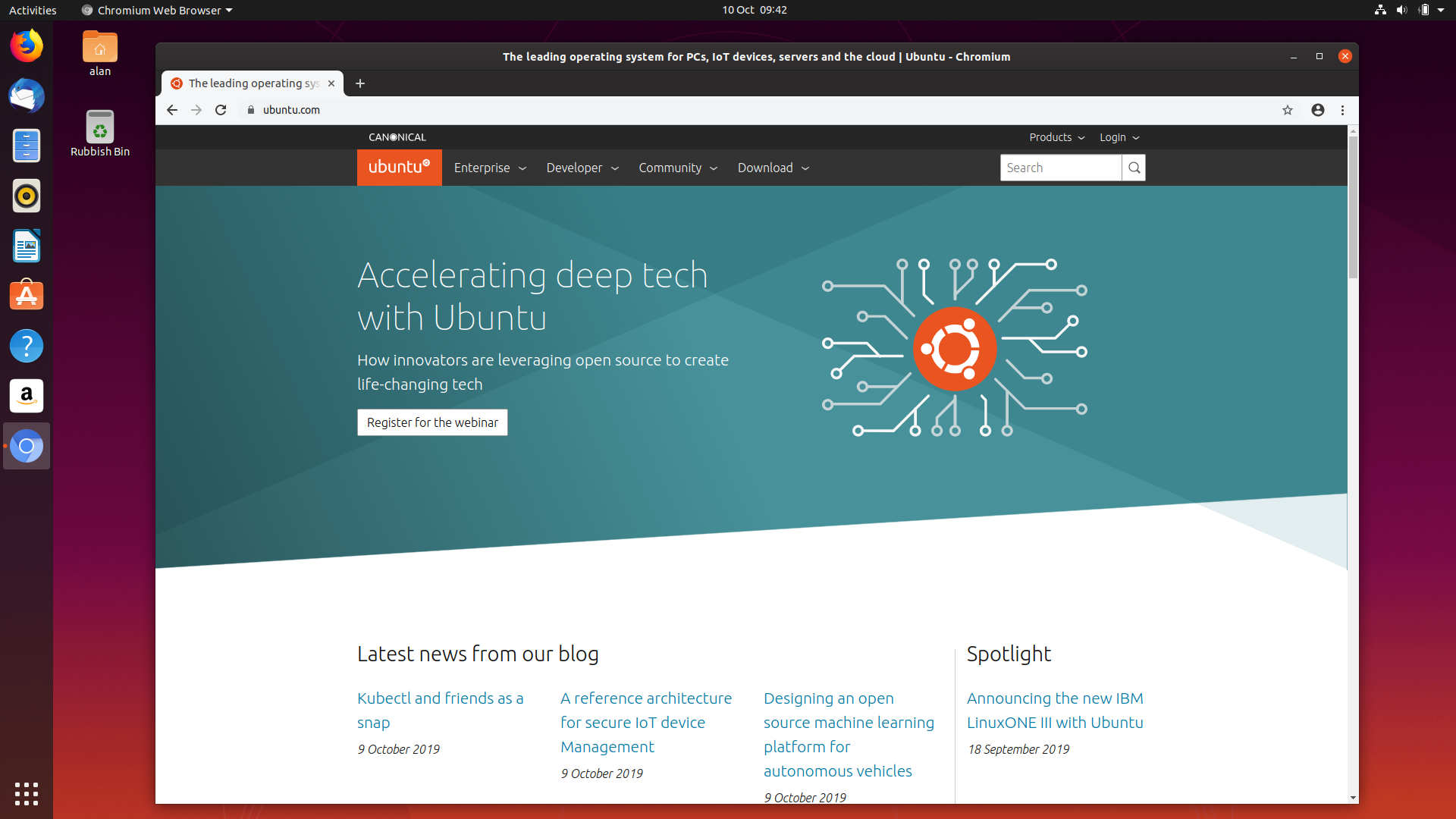
We have recently announced that we are transitioning the Chromium deb package to the snap in Ubuntu 19.10. Such a transition is not trivial, and there have been many constructive discussions around it, so here we are summarising why we are doing this, how, and the timeline. Why Chromium is a very popular web browser,

As you probably already know, snapcraft supports a range of plugins, designed to aid developers in making their snaps in an easier, faster, more transparent fashion. Plugins work with different programming languages and build tools, like Python, Java, Rust, Cmake, and others. By making complex things simpler, they can accelerate your proj

For many, watching other people play games has long taken over from TV as the favoured source of entertainment content. As a creator, whether you stream via YouTube, Twitch.tv or Mixer, Open Broadcast Software (OBS) Studio is the swiss-army knife to do it. The OBS snap makes this a breeze, whichever Linux distro you’re playing

From a distance, Linux is one big, confusing ball of passionate users and hardcore technical jargon. But as you zoom in, you can start seeing patterns – and differences. Indeed, the individual and vastly varied choice of a favorite distribution has played a major part in shaping the community conversation in the Linux space. But

Few enterprises want all their computing devices to be fully exposed to the internet. In an environment of ever-growing security threats, isolating internal networks from the wider internet is not simply best practice, but borderline essential. However, with all the benefits that restricted networks provide, it can pose challenges for ent